A family law attorney called us in April. She'd been with her web agency for four years, the relationship had soured, and she wanted to move. Simple, she thought. She'd built the practice, the site ranked, she'd pay someone better to take it over.
Then she learned three things in one week. The domain was registered in the agency's account, not hers. The site was built on a proprietary builder she couldn't export. And the agency held the logins to her Google Business Profile, which it had created during onboarding. She didn't own her website. She'd been renting it for four years and had just discovered the lease had no exit.
She's not unusual. Most lawyers assume "my website" means they own it the way they own a filing cabinet. Ownership of a website isn't one thing, though. It's seven things, and an agency can hand you some while quietly keeping the rest. Here's each piece, who usually holds it, how to check, and why it decides whether your firm can do answer engine optimization at all.
The seven things you think you own
Run down this list against your own site. For most firms, at least two of the seven aren't where they assumed.
Seven things you think you own
The domain name the root
Registered in your account, at your registrar, in your name. Lose this and you control nothing downstream of it. Check it at lookup.icann.org.
DNS
The switchboard pointing the name at your site and your email. You can own the domain and still not hold this.
check: who has the login?The code and build
Standard WordPress exports anywhere. A locked builder is a rent, not a deed.
check: export to staging?The content
Some contracts license your own copy and photos back to you while you keep paying.
check: owned on payment?The hosting
Owning the code does not help if you cannot reach the server it sits on.
check: your own host login?Google Business Profile
Drives your map-pack calls and reviews. Often created under the agency account.
check: owner, not manager?Analytics and Search Console
Your whole traffic and search history, gone the day access is revoked.
check: in your account?1. The domain name
This is the one that should never be in question, and the one most often is. Your domain should be registered in an account that you, the firm, control directly, at a registrar like Cloudflare, Namecheap, or GoDaddy, with your name on it. What happens instead: the agency registers the domain "for you" during setup, in the agency's own registrar account. You've paid for it for years. You still don't hold it.
If you don't control the domain, you don't control anything downstream of it. Email, the site, redirects, all of it routes through a name you can't move.
How to check: go to lookup.icann.org and search your domain. If the registrant or admin contact isn't you or your firm, and you can't log in to the registrar account yourself, the domain isn't yours yet.
2. The DNS
The domain is the name. DNS is the switchboard that points the name at your site, your email, and everything else. You can own the domain and still not control the DNS if it's managed inside someone else's dashboard. This is the quiet one. Firms check the registrar, see their own name, and stop, never realizing the DNS lives somewhere they can't reach.
How to check: ask whoever manages your site, "where are my DNS records managed, and can I get login access today?" If getting access takes a request and a few days, you don't currently hold it.
3. The code and the build
Here's where lock-in lives. A site built on standard WordPress with a normal theme is exportable. You can move it to any host, hand it to any developer, and it works. A site built on a proprietary platform, a locked page builder, or a closed CMS that doesn't let you touch the underlying HTML is not a site you own. It's a subscription you rent. The day you stop paying, the build is gone, and there's nothing to export because you were never holding the actual files.
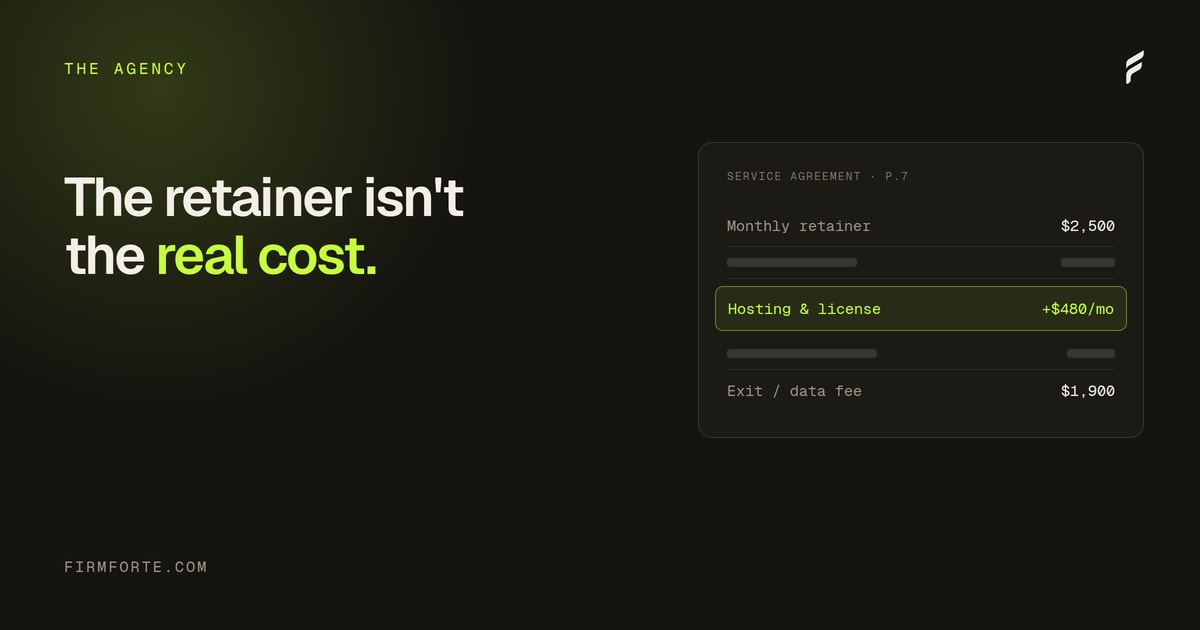
This is also the line item we flagged in the hidden fees piece: a license to use the site, dressed up as ownership of it. The two read identically until you try to leave.
How to check: ask "if I left tomorrow, can I export the full site and host it elsewhere, and will it work?" Then ask to see it done with a staging copy. A real export takes an afternoon. A platform that can't produce one was never yours.
4. The content
You'd assume the words on your own site belong to you. Not always. Some agency contracts assign copyright in the copy and images to the agency, licensing it back to you while you pay. Original photography of your office and your attorneys, the practice-area pages a writer produced, the FAQ content, all of it can be contractually owned by the people who made it rather than the firm it describes.
For a law firm, this matters more than it does for most businesses, because your content carries your experience and authority signals. Losing it in a breakup means rebuilding the exact pages that earned your rankings and citations.
How to check: find the intellectual property clause in your contract. It should say the firm owns all deliverables outright on payment. If it says the agency retains ownership and grants you a license, your content isn't yours.
5. The hosting
Owning the code doesn't help if you can't get to the server it lives on. When hosting sits inside the agency's account, moving means the agency has to hand over files and database access, which a departing agency is rarely in a hurry to do. Mandatory hosting at a marked-up rate is the version that costs you monthly. Hosting you can't independently access is the version that costs you when you try to leave.
How to check: "what host is my site on, and do I have my own login to it?" If the host is a name you've never seen and the login routes through the agency, you don't hold your own hosting.
6. The Google Business Profile
This is the one that traps even savvy firms. Agencies routinely create or claim your Google Business Profile during onboarding, under an account the agency owns. The profile drives your map-pack visibility and a large share of your local calls. If it's owned by the agency, your most valuable local asset walks out the door with them, reviews and all.
How to check: sign in to the Google account you believe owns the profile and confirm you're the primary owner, not a manager the agency can remove. If you can't find the login, or you're listed as a manager rather than owner, the profile isn't under your control.
7. The analytics and Search Console
Your traffic data, your search performance, your conversion history. If GA4 and Search Console live in the agency's account with you as a guest, you lose the entire history the moment access is revoked. You also can't independently verify anything the agency reports, which is its own problem, covered in the pricing breakdown.
How to check: confirm GA4 and Search Console are owned by an account you control, with the agency added as a user you can remove, rather than the reverse.
Why ownership decides whether you can do AEO
Lock-in isn't only a breakup problem. It caps what your site can do while you're still happily paying.
Getting cited by ChatGPT, Perplexity, Claude, and Google's AI Overviews runs on things you have to be able to edit at the code level: JSON-LD schema, FAQPage markup, entity reinforcement, a robots.txt that welcomes AI crawlers. A proprietary platform that won't let you inject custom HTML or schema locks you out of that layer entirely. Website builders like GoDaddy, Wix, and Squarespace are the mass-market version of this problem, and the specific ways they leave law firms invisible in AI search go well beyond the design complaints they usually get. We covered the diagnostic in why your firm shows up in Google but not AI Overviews, and the specific markup in the seven schema types every law firm site needs.
The pattern we see: a firm wants AEO, the agency says it's "on the roadmap," and the real reason it never ships is that the platform physically can't deploy the schema. You can't optimize for answer engines on a site you're not allowed to edit. Ownership of the code is the precondition for the entire practice.
The afternoon audit
You can verify all seven in about two hours, most of it waiting for logins.
Start with the domain at lookup.icann.org. Then request, in one email, login access to: the registrar, the DNS, the host, the Google Business Profile, GA4, and Search Console. Note how long each takes and whether any request gets a reason it "has to go through us." Pull up the contract and read the IP clause and the termination clause. Finally, ask for a working export of the site to a staging URL.
An agency that owns nothing it shouldn't returns all of that in a day or two without friction. An agency that drags, deflects, or explains why you don't need direct access is telling you exactly what it's holding.
What this looks like done right
Ownership shouldn't be something you have to claw back. It should be the default.
We build on standard WordPress, with the firm's choice of editor, so the site is fully exportable to any host on day one. The domain stays in your registrar, in your name. The code and content are yours outright, with nothing licensed back to you and nothing owed if you leave. The Google Business Profile is created or claimed under your account, with us added as a manager you can remove in two clicks. No proprietary CMS, no locked builder, no exit fee. If you ever fire us, you take everything and the site keeps working. That's the test for any web partner, and it's a low bar that most of the industry still can't clear. The full version of that stance is on our web design page, and the contract terms behind it are on the pricing page.