
Before your schema goes live, run it through three checks: validate the syntax so the code is well-formed, confirm rich-result eligibility so you know what it qualifies for, and verify the markup actually renders in the HTML a crawler receives. That third one catches the failure almost nobody looks for, because the most common schema problem on law firm sites isn't broken markup. It's valid markup that never makes it onto the page at all.
Schema is cheap to add and easy to get subtly wrong, and a wrong or absent block does nothing for you while looking, from your CMS dashboard, like it's working. Here are the three tests that catch it before it costs you.
Why do you need to test schema before it's live?
Because you can't see schema by looking at your page, and a mistake is invisible until you check for it. Malformed JSON-LD can silently fail, the wrong type can cost you rich-result eligibility, and schema that renders in your CMS preview but not in the live HTML does nothing while appearing to be present. None of this shows up visually. The page looks fine either way.
That invisibility is the whole reason testing matters. With most of your site, a broken thing looks broken: a mangled layout, a dead link, a missing image. Schema fails quietly. Your practice-area page can carry beautifully written LegalService markup that a single stray character has invalidated, and you'd never know from looking at it. The only way to know your markup is doing its job is to test it deliberately, before it ships and again whenever the site changes.
How do you validate the syntax?
Run the code through the Schema Markup Validator, the tool maintained at validator.schema.org. Paste your URL or the JSON-LD directly, and it parses the markup and flags structural errors: missing brackets, invalid property names, malformed values. If the validator throws errors, an engine reading your page will trip over the same problems.
This is the first gate because syntax errors break everything downstream. A single missing comma or unclosed brace can invalidate an entire schema block, and JSON-LD is unforgiving that way. The validator is vocabulary-agnostic, meaning it checks that your markup is well-formed schema.org, whether or not Google shows a rich result for it. Clear its errors first, then move on to the question of what the markup actually earns you.
How do you check rich-result eligibility?
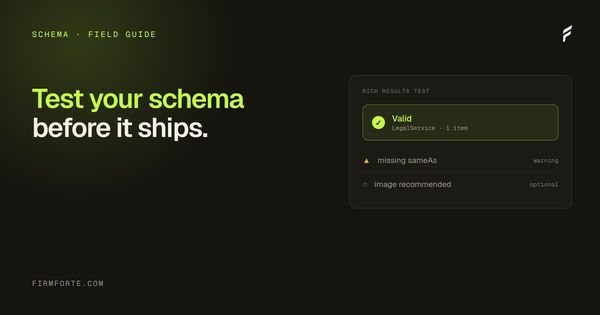
Use Google's Rich Results Test at search.google.com/test/rich-results. Enter your URL and it tells you which rich-result enhancements the page qualifies for based on the markup it detects. It's the check that connects your schema to something Google might actually display, rather than just confirming the code is valid.
Keep your expectations calibrated, though, and this is the FirmForte stance we hold everywhere: schema is hygiene and rich-result eligibility, not a lever that makes an engine rank or cite you. The Rich Results Test confirms you're eligible for enhancements and that Google can parse your markup cleanly. It does not promise a rich result will appear, and it certainly doesn't promise a citation. What it does give you is confidence that the legibility layer is correct, so that when your content earns attention, nothing in the markup is getting in the way.
How do you confirm the schema is actually on the page?
Look at the raw HTML a crawler receives, not the page your browser assembles. This is the check that catches the most common and most frustrating failure: schema that exists in your CMS or a plugin's settings but never renders into the HTML an engine reads, usually because a builder or plugin injects it in a way crawlers don't pick up.
The quickest way to verify is a tool that fetches your page the way a bot does and shows you what's actually in the response. Our crawler's-eye view tool does this, and it's free: if your schema block is present in that view, it's really on the page; if it's missing, your markup is living somewhere a crawler never sees. This is the exact trap that catches DIY-builder and locked-platform sites, where the schema you configured never quite makes it into the served HTML, which we get into in why website builders hurt law firm AI search. Valid markup in the wrong place is the same as no markup.
What are the most common schema mistakes to catch?
A handful of recurring ones account for most of the failures worth catching before launch:
- The wrong
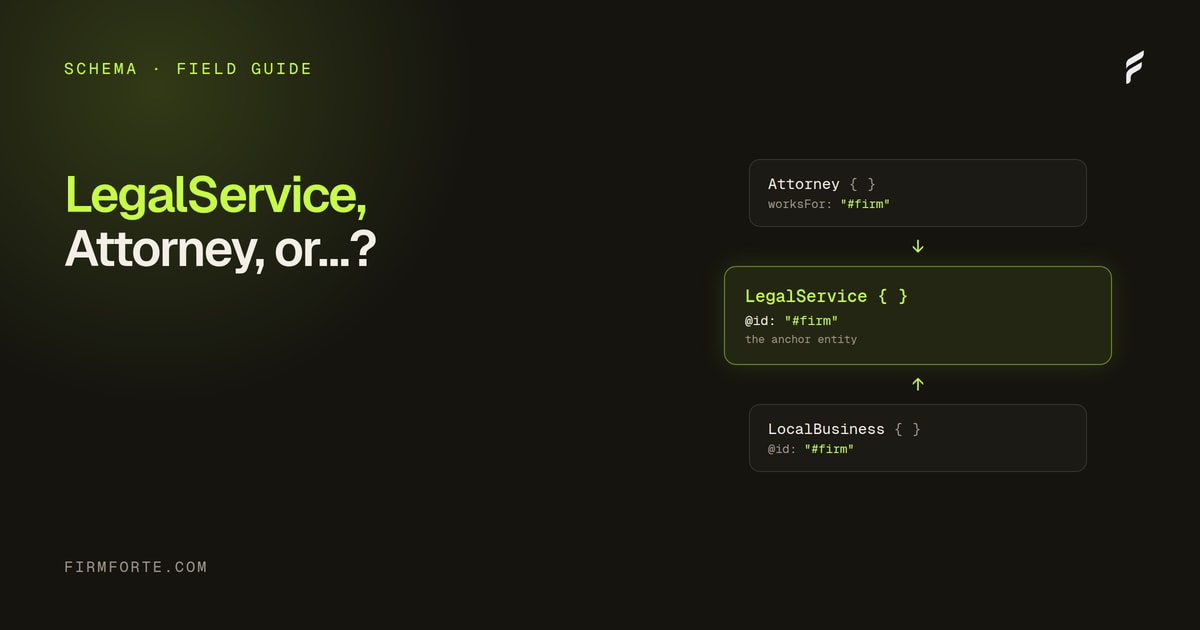
@type. Using deprecated Attorney or bare LocalBusiness instead of LegalService, which we work through in LegalService vs Attorney vs LocalBusiness schema. - NAP that doesn't match. A name, address, or phone in your schema that disagrees with your site, your Google Business Profile, or your directory listings.
- Invalid JSON-LD. A stray character or missing bracket that quietly invalidates the whole block.
- Present in preview, absent in the live HTML. The plugin-injection failure above, and the one people miss most.
- Marking up content that isn't on the page. Schema should describe what's actually visible; claiming things the page doesn't show is a guideline violation.
How often should you re-test?
After any change that touches your templates, CMS, or hosting, not on a schedule. Schema isn't something you tend weekly, but a theme update, a plugin change, or a platform migration can silently strip or break it, and you won't see it happen. Re-run the three checks after any structural change to the site.
The rhythm, then, is: test thoroughly before launch, then again after anything that could have moved the underlying code. Once it's validated, eligible, and confirmed present in the served HTML, leave it alone until the next site change. Getting the type right in the first place is covered in the seven schema types every law firm website needs, and if you'd rather generate clean, valid markup to start from, our law firm schema generator builds it for you. To have the whole thing audited on your live site, the free audit includes a schema check, and every site we build ships with the full set correct and confirmed present from launch through our AEO service.